
Pinellas, Hillsborough and Pasco Counties · Florida CAC-1822618
Data Center & Server Room Cooling in Tampa Bay, Florida
A server room or small data center needs cooling that runs around the clock against a heat load that barely changes, controlled to the air entering the racks. Blume Mechanical Service services commercial HVAC in Pinellas, Hillsborough and Pasco Counties — Florida license CAC-1822618, fully insured.
Lawrence Berkeley National Laboratory says rooms holding 5 to 50 servers often account for a significant share of a building's energy use. The servers, storage, network gear and the cooling behind them tend to draw large amounts of energy around the clock.
A load that never goes home
The U.S. Department of Energy (DOE) data center design guide says most data center loads do not vary appreciably over the course of the day. It also says the cooling load for a data center is independent of the outdoor air temperature.
When an IT closet hangs off the building's main system, that system has to keep running all night for one small space. Lawrence Berkeley National Laboratory (LBNL) recommends cooling installed solely for the room, so the building system does not have to operate around the clock. Its example is a dedicated packaged air conditioning unit, specified for high efficiency.
The same DOE guide warns that a data center cooling system is typically significantly oversized. DOE adds that equipment choices should consider both initial and future loads, including part-load and low-load operation.
Control to the rack inlet, not the return air
The temperature that matters is the air entering the IT equipment. DOE's guide tabulates the 2021 thermal guidelines of ASHRAE (the American Society of Heating, Refrigerating and Air-Conditioning Engineers) for air cooling. The recommended dry-bulb range for Classes A1 to A4 is 64.4 to 80.6°F (18 to 27°C). The allowable range for Class A1 is wider, 59 to 89.6°F.
The two envelopes mean different things. DOE explains that the recommended envelope guides energy-efficient operation while maintaining high reliability, and facilities should target it. The allowable envelope marks what manufacturers tested for equipment functionality, not reliability.
The guide recommends raising supply air until the most demanding intake sits as close to 80°F as possible. Leaving room for error, it says a setpoint of 77 to 79°F may be the most practical approach. Changes should be small and should come only after air management is in place. There is a trade-off too: server fans can speed up and draw more power when inlet air runs above the recommended range.
Control is the other half. DOE recommends controlling supply temperature and airflow from IT equipment intake temperatures, not from return temperature. The sensors can be wired or wireless units outside the rack, or better, data from the servers' own on-board sensors. LBNL adds that hot spots can migrate as loads change, so intake readings should be checked at several points over time.
Airflow comes before more tonnage
DOE defines air management as minimizing or eliminating mixing between the cooling air supplied to equipment and the hot air the equipment rejects. Good air management, the guide says, generally allows a higher supply air temperature while still keeping the IT equipment comfortable.
ENERGY STAR describes a hot aisle/cold aisle layout: server fronts face each other across one aisle, and rack backs face each other across the next. DOE adds that vacant equipment slots should be blocked off on the intake side. It also says cable openings in raised floors and ceilings should be sealed as tightly as possible. Strict hot aisle/cold aisle configurations, according to the guide, can significantly increase the air-side cooling capacity of a data center’s cooling system.
Where the air enters and leaves matters as well. With overhead supply, DOE recommends outlets that drop air straight down in front of the racks, above the cold aisle. Traditional office diffusers throw air sideways and mix it with the hot aisle. Under a raised floor, cable congestion can sharply reduce total airflow and promote hot spots. The guide recommends a cable mining program, meaning a routine for removing abandoned or inoperable cables.
LBNL's airflow-management item lists the basics. Clear clutter from the airflow path, install blanking panels and block holes between servers in racks.
Humidity in a Tampa Bay IT room: manage it, don't fight it
Server rooms carry very little moisture load of their own. DOE notes that data centers typically have very few occupants and small outside air requirements, and therefore negligible latent loads. Standard package units are designed for office loads, so part of their capacity is configured for moisture removal. DOE says a higher return air temperature can convert some of that latent capacity into usable sensible capacity.
The guide says data centers often over-control humidity, with no real operational benefit and higher energy use. When controls are not centralized, adjacent units can fight each other, one humidifying while the other dehumidifies. Humidity sensor drift can also contribute to control problems if sensors are not regularly recalibrated. DOE says all CRAC (computer room air conditioner) and CRAH (computer room air handler) units should communicate and operate at the same temperature and humidity. ENERGY STAR makes the related point that IT equipment can generally tolerate wider ranges of humidity.
The Tampa Bay detail is outside air. For rooms with active humidity control, DOE calls for a dewpoint temperature lockout as part of the air-side economizer control strategy. It shuts the economizer off when outside air is too dry or too moist. The National Weather Service says the Tampa Bay rainy season typically brings persistent dew point values above 70°F. The building-wide side of the same problem is covered on our commercial humidity control page.
What a server room cooling service should cover
A useful scope follows the heat from the servers all the way out of the building.
The cooling units. DOE says packaged direct-expansion (DX) air conditioners, commonly described as CRAC units, are likely the most common cooling equipment for smaller data centers. Federal energy rules (10 CFR 431.92) define a computer room air conditioner as commercial package air-conditioning and heating equipment, packaged or split, that is marketed for use in computer rooms, data processing rooms or other information technology cooling applications and is not a covered consumer product under 42 U.S.C. 6291(1)-(2) and 42 U.S.C. 6292. Such a unit may include an integrated humidifier, supply-air temperature or humidity control, and reheat. DOE also describes CRAH (computer room air handler) units that use chilled water; see chiller maintenance. Our guide to industrial and commercial air conditioner types explains where each family fits.
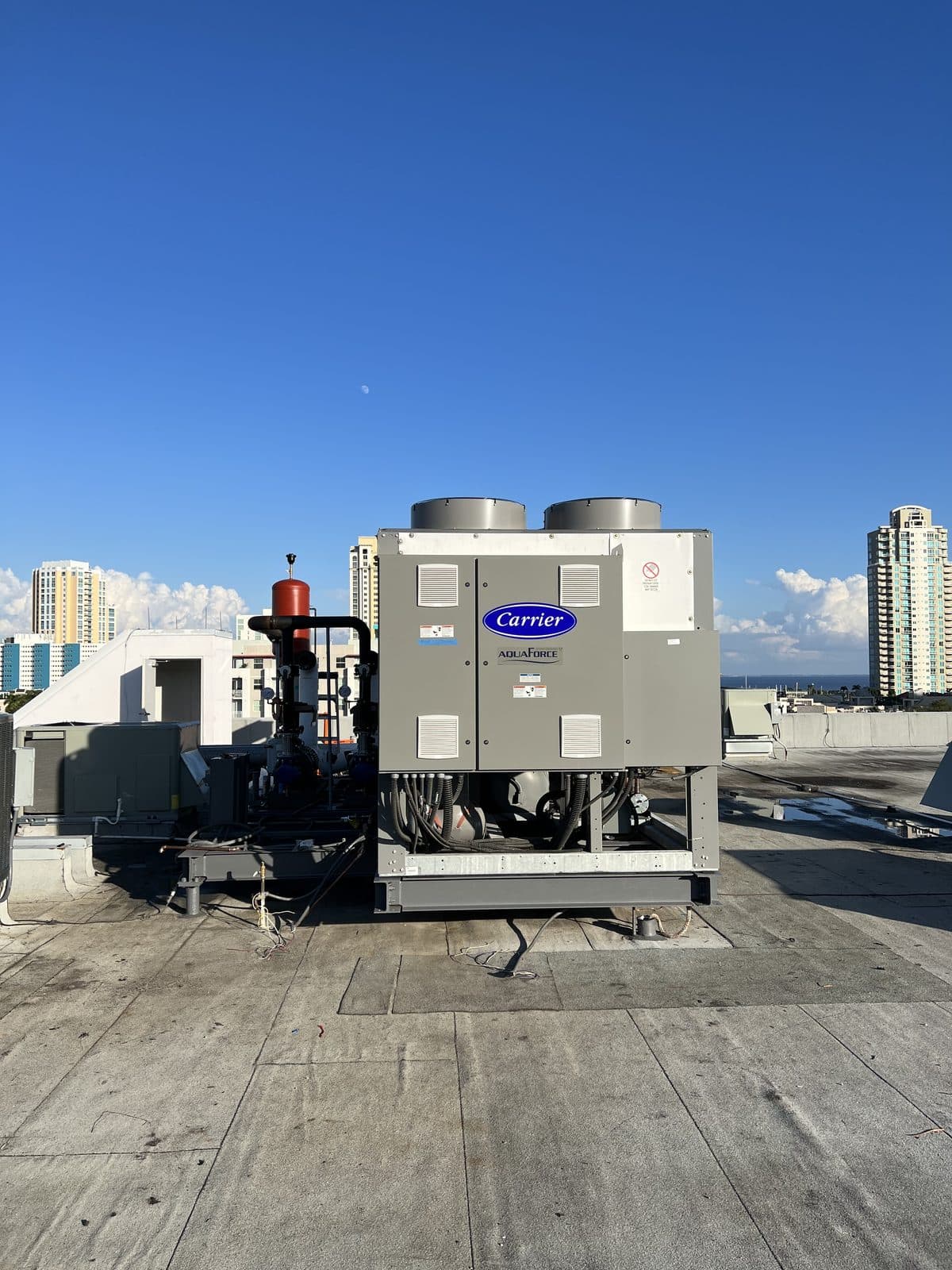
Heat rejection. DOE lists the usual paths for an indoor CRAC unit. One is an air-cooled unit with a remote condenser, and another is a water-cooled unit paired with an outdoor drycooler. A third is a water-cooled unit on a cooling tower.
Fans and drives. LBNL says a CRAC or CRAH serving a server room very likely has a single-speed fan moving more air than the IT gear needs. A variable frequency drive (VFD) lets the fan deliver only the air required, ideally controlled to IT inlet temperature. See VFD integration for how that retrofit is scoped.
Sensors and controls. Recalibrate humidity sensors, confirm that every unit shares its set points, and confirm what the supply temperature is controlled from. Where the room's units report to a building automation system, that work ties into building automation controls.
Refrigerant. Refrigerant work is done by Blume's EPA Section 608 certified technicians.
Headroom. LBNL notes that some efficiency measures recapture cooling capacity, giving headroom for more IT equipment.
Frequently asked
What temperature should a server room be kept at?
Measure at the IT equipment inlet, not the return air. DOE's design guide tabulates ASHRAE's 2021 recommended range for Classes A1 to A4 as 64.4 to 80.6°F dry bulb. It suggests keeping the most demanding intake as close to 80°F as possible and says that, leaving room for error, a setpoint of 77 to 79°F may be the most practical approach. Raise temperatures in small steps, only after airflow is under control, and check the ratings your equipment manufacturers publish.
Can the building's main air conditioning cool our server room?
It can, but Lawrence Berkeley National Laboratory recommends dedicated cooling for the room instead of relying on building cooling. A room tied to the main system forces that system to run around the clock for one space. DOE adds that standard package units are designed for office loads that include moisture removal, while a server room's latent load is negligible.
What is the difference between a CRAC and a CRAH unit?
DOE says packaged direct-expansion (DX) air conditioners are commonly described as CRAC (computer room air conditioner) units, and are likely the most common cooling equipment for smaller data centers. DOE notes that a CRAH (computer room air handler) unit using 55°F or warmer chilled water, with efficient variable-speed fans and a low-pressure-drop air design, can minimize cooling energy use.
Do I need a contractor for this?
Yes, for the cooling equipment itself. Facility staff can check and change filters, read and adjust setpoints and schedules on the thermostat or building automation front end, and read and report alarms. They can also look at condensate drains and pans for standing water or a blocked line. Refrigerant work, electrical work on units and drives, and controls work such as wiring or sequences belong to a licensed contractor. Blanking panels, cabling and rack layout sit with the IT team.
Can a Tampa Bay server room cool with outside air?
Possibly for part of the year, but only after an engineering evaluation. DOE's guide says that on most nights and in mild winters an air-side economizer is the lowest-cost option, but that a proper engineering evaluation of local climate conditions must be done to see whether that holds for a specific data center. For rooms with active humidity control it calls for a dewpoint temperature lockout. The National Weather Service says the local rainy season typically brings persistent dew points above 70°F. DOE also notes that air-side economizers are hard to add to an existing data center because of the large ductwork.
Unit converter
Showing 1 therm in 4 other units
| Unit | Value |
|---|---|
| Btu | 100,000 |
| kWh | 29.31 |
| MMBtu | 0.1000 |
| Ccf (natural gas) | 0.9653 |
Used only for Ccf and therm conversions. Source: EIA, Heat Content of Natural Gas Consumed (U.S., 2025).
Sources: 1 therm = 100,000 Btu and 1 kWh = 3,412 Btu, from EIA. MMBtu from EIA. MBH from Wikipedia. 1 ton of refrigeration = 12,000 Btu/h from NIST. Ccf = 100 cubic feet from Wikipedia. — means no result for the current input.
Responsible for a server room, an IT closet or a small data center? Talk to a licensed A/C contractor that offers 24/7 emergency HVAC service at (727) 330-9131.
References: U.S. Department of Energy, Best Practices Guide for Energy-Efficient Data Center Design (revised July 2024), written by the National Renewable Energy Laboratory for the Federal Energy Management Program · Lawrence Berkeley National Laboratory, Fact Sheet: Improving Energy Efficiency for Server Rooms and Closets (LBNL-5935E, September 2012) · ENERGY STAR, 16 More Ways to Cut Energy Waste in the Data Center · Department of Energy, 10 CFR 431.92, Definitions concerning commercial air conditioners and heat pumps (eCFR) · National Weather Service Tampa Bay Area, Florida Thunderstorm Season